Talking to your restaurant in 10 seconds.
No API keys to copy, no config files to edit, no Square login or OAuth, no developer needed. Your personalized plugin already contains everything — you download one file and hand it to Claude. Your POS credentials never leave our encrypted vault, and the AI never sees them.
Claude (recommended)
Download your ready-to-go plugin
On your one-time setup page (the link we emailed you after signup) or in your dashboard, click Download your ready-to-go plugin. You get one file, named after your restaurant — your key is already inside, nothing to configure.
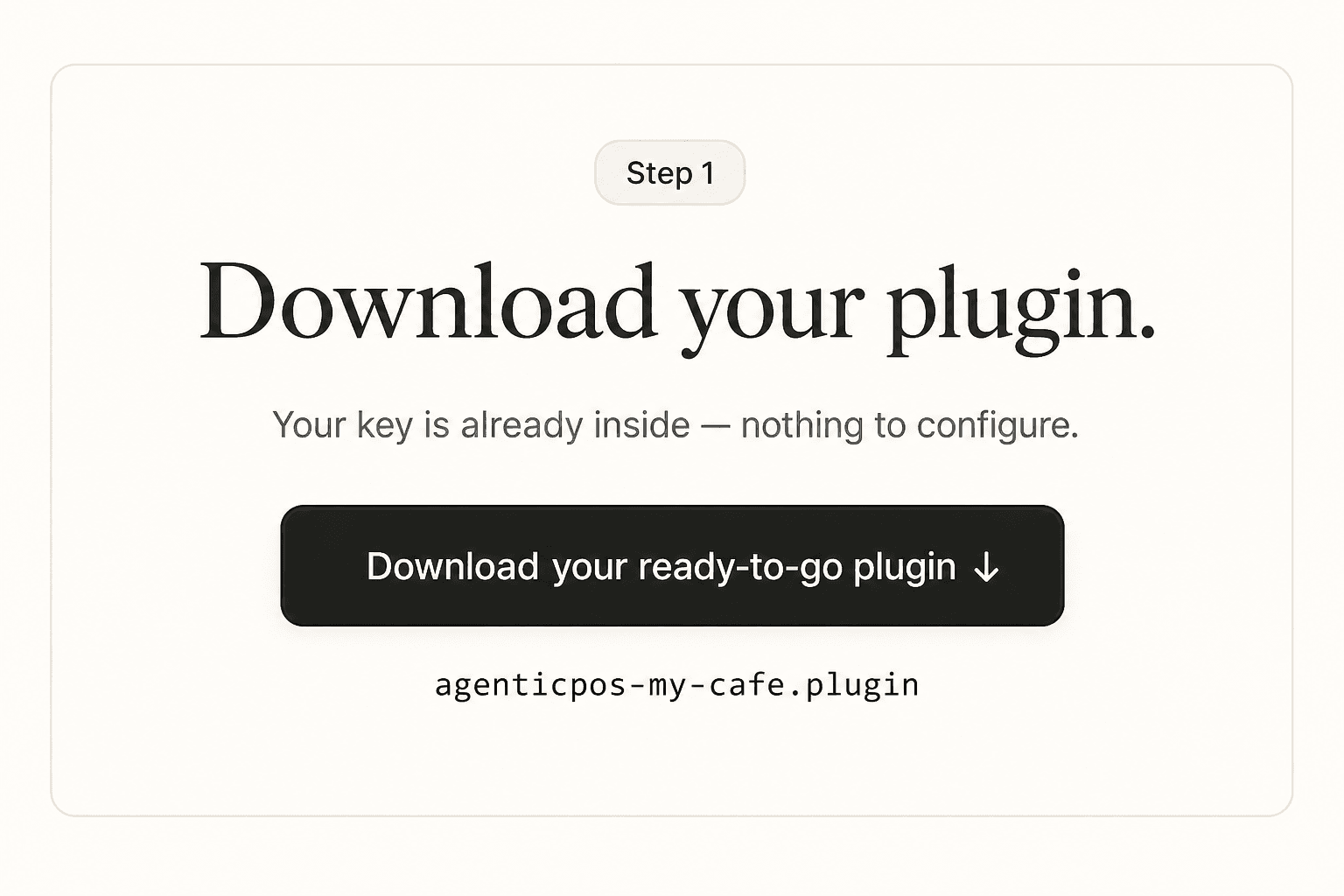
Treat the file like a password — it contains your workspace key. Lost it? Rotate the key in the dashboard and download a fresh plugin.
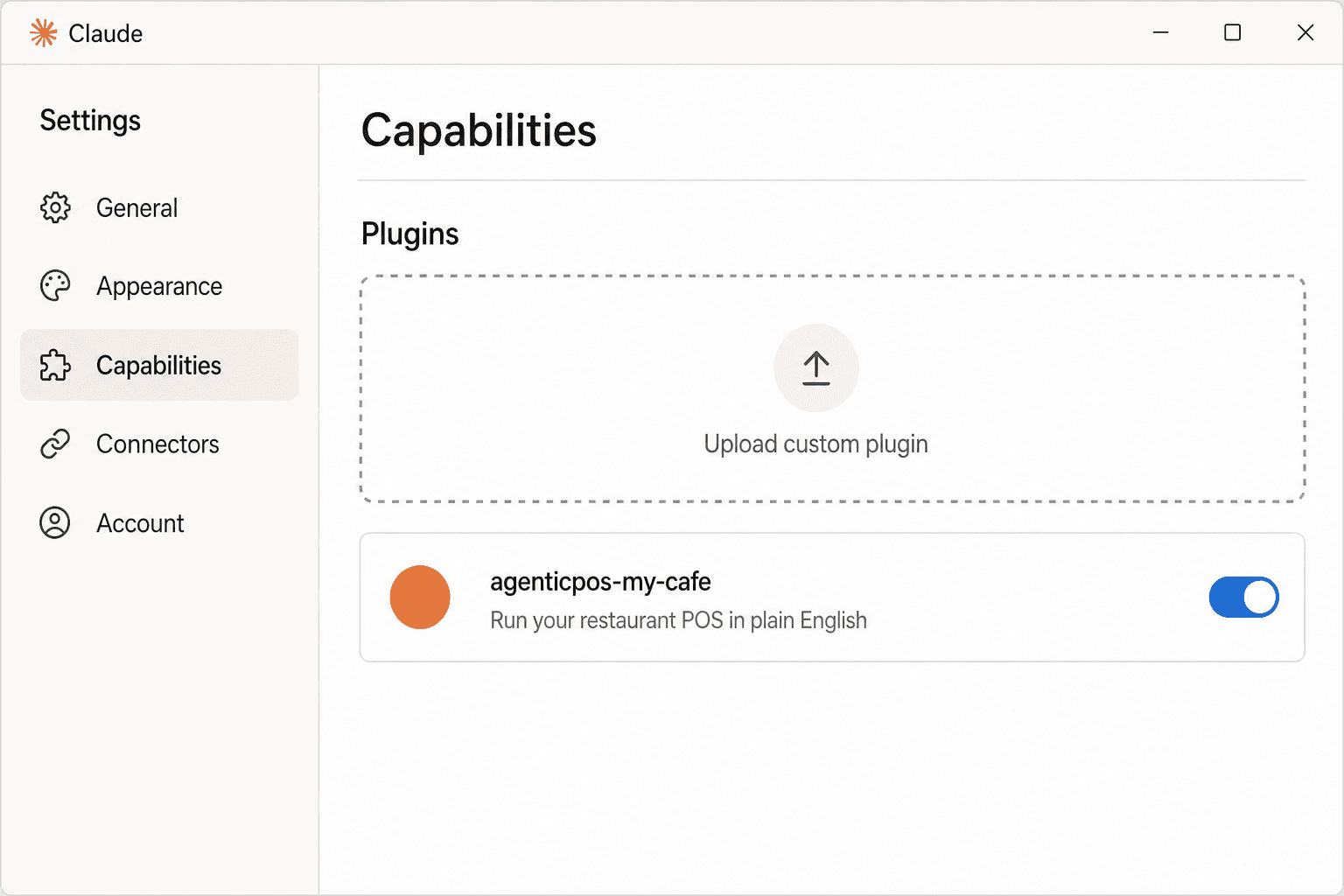
Add it to Claude
Open the Claude desktop app → Settings → Capabilities → Upload custom plugin, and pick the file you just downloaded. That's the whole setup.
Just ask
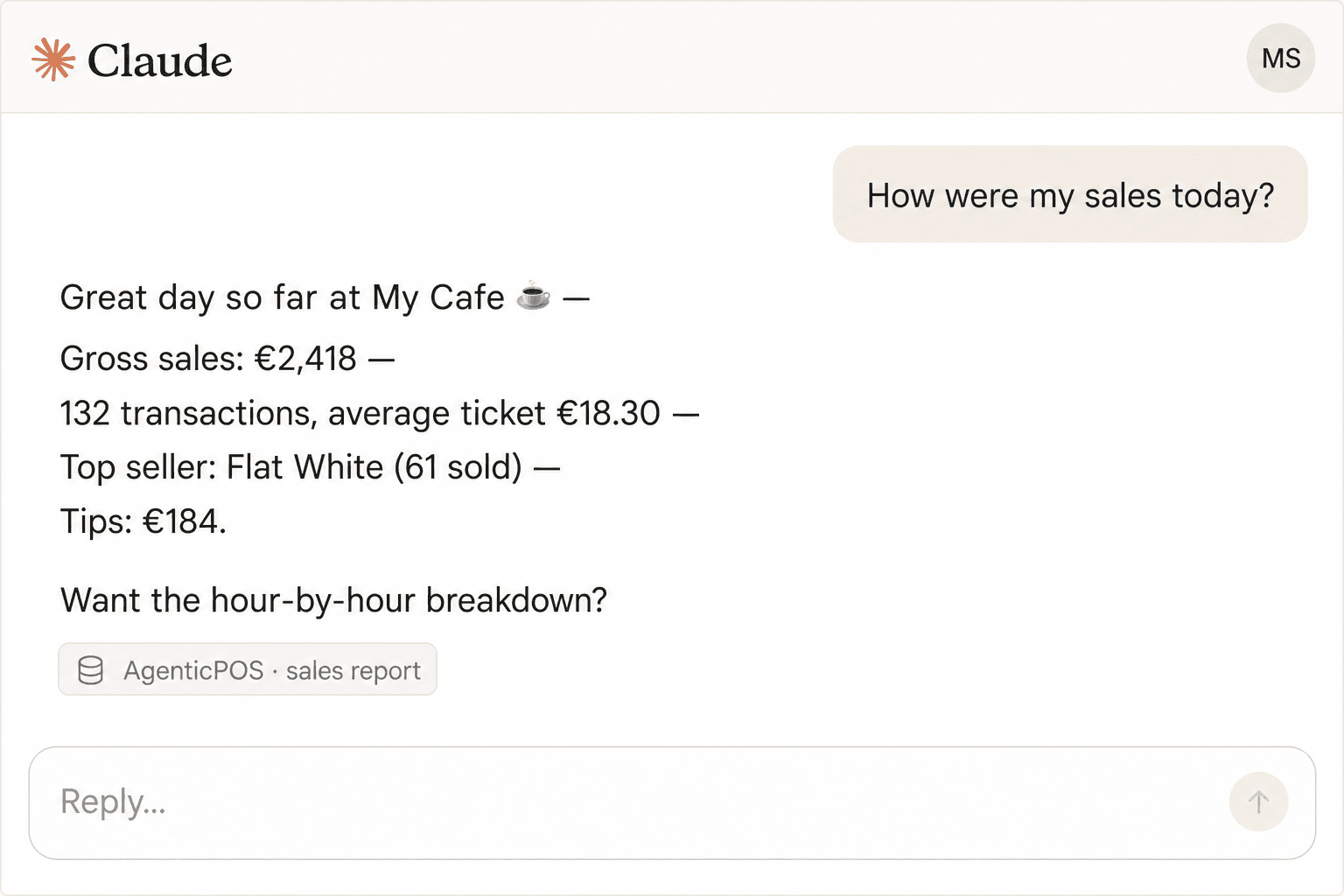
Start a new chat and talk to your restaurant like you'd talk to your manager: “How were my sales today?”, “86 the salmon”, “raise the flat white by 20 cents”. Claude reads first, shows you old → new, and never changes anything without your explicit yes.
Cursor, Claude Code & other MCP clients
The same endpoint is a native remote MCP server, so any MCP client can connect with just the URL and your key — no plugin at all.
Cursor — .cursor/mcp.json
{
  "mcpServers": {
    "agenticpos": {
      "url": "https://agenticpos.ai/api/mcp",
      "headers": {
        "Authorization": "Bearer apk_live_YOUR_KEY"
      }
    }
  }
}
Claude Code — one command
claude mcp add agenticpos \
  --transport http https://agenticpos.ai/api/mcp \
  --header "Authorization: Bearer apk_live_YOUR_KEY"
Troubleshooting
- “I couldn't find your AgenticPOS credentials” — you installed the generic plugin instead of your personalized one. The plugin file can't be opened or edited by hand, so don't try to add your key to it — download the ready-to-go plugin from your setup page or dashboard and upload that instead.
- Claude asks you to log in to Square or authorize via OAuth? — that's never part of AgenticPOS setup. The plugin only ever talks to AgenticPOS; your POS is connected once in the dashboard (or via your welcome-email link). Re-download your personalized plugin and start a fresh chat.
- Lost your key? — keys are shown once. Sign in to the dashboard, rotate the key, and download a fresh plugin.
- “No POS connected” — connect your Square or SumUp account in dashboard → integrations (or use the single-use connect link from your welcome email).
- Opened a new venue? — add it in dashboard → billing (£79/month each, prorated). Your existing plugin and key cover every venue automatically — nothing to re-download.
- Billing message? — the agentic layer pauses when the subscription lapses. Reactivate in dashboard → billing.
- Anything else — email support@agenticpos.ai.