Managing multiple restaurant locations without the chaos
Manage multiple restaurant locations with centralized SOPs, FDA menu compliance, and AI-driven POS technology to improve consistency and profitability.
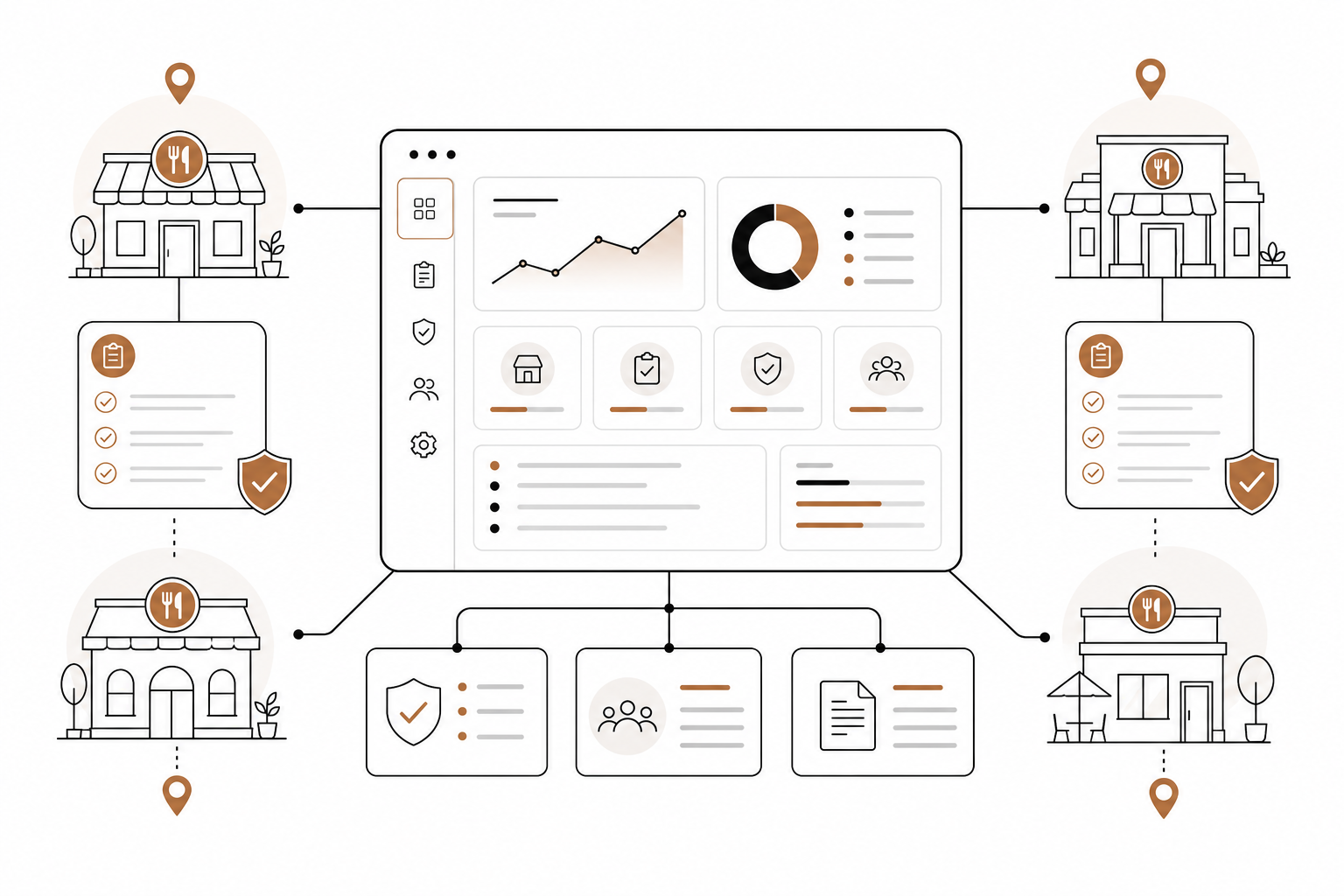
Opening your first restaurant is an act of passion. Managing multiple locations? That is a masterclass in systems engineering.
The pressure on multi-unit operators is intense. According to the National Restaurant Association, more than 9 in 10 operators cite rising food, labor, energy, and swipe fees as significant challenges, while 42% reported their restaurant was not profitable last year.
To survive and grow, you cannot rely on sheer willpower. You need a system that ensures your operational standards, menu updates, and compliance requirements scale seamlessly.
Codify your operations with centralized SOPs
Consistency is your brand’s currency. If a guest gets a crisp, perfectly portioned chicken sandwich at your Chicago branch, they expect the exact same quality in Dallas.
The secret to delivering this experience consistently lies in your Standard Operating Procedures (SOPs). Your SOPs must be standardized in format and processes across every single unit. Avoid letting individual general managers write their own playbooks. Instead, maintain a single, head-office-controlled repository that pushes updates to all sites to keep your multi-location operations aligned.
When mapping out your plan for how to scale a restaurant business, design your SOPs around three pillars:
- Documented kitchen standards: Write down precise ingredient measurements, prep steps, and plating diagrams to ensure consistent quality across all locations.
- A unified training program: Establish a standardized restaurant training program to ensure core instruction is consistent from employee to employee, regardless of which unit they work in.
- Frequent updates: Instruct your managers to regularly review and update training documents so your teams always have the most current, accurate information.
Master multi-unit menu compliance
As your brand footprint expands, so does your regulatory checklist. If you operate a chain of 20 or more locations under the same name and serve substantially the same items, federal laws apply.
Under the FDA's menu labeling regulations, you must:
- Disclose calorie counts: Display calories clearly on physical and digital menus. Keep in mind that temporary or seasonal menu items offered for fewer than 60 days per calendar year do not require labeling.
- Provide written nutrition details on request: Keep comprehensive records of total fat, sodium, cholesterol, carbohydrates, sugars, fiber, and protein ready to hand to guests upon request.
- Display mandatory menu statements: Print prominent, succinct statements on your menus, such as "2,000 calories a day is used for general nutrition advice, but calorie needs vary."
Additionally, keep upcoming regional regulations on your radar. By 2026, California will require restaurant chains with 20 or more locations to state in writing whether menu items contain any of the 9 most common food allergens. Staying on top of these requirements is essential before you execute how to roll out a new menu across multiple locations.
Streamline bulk updates through a unified POS
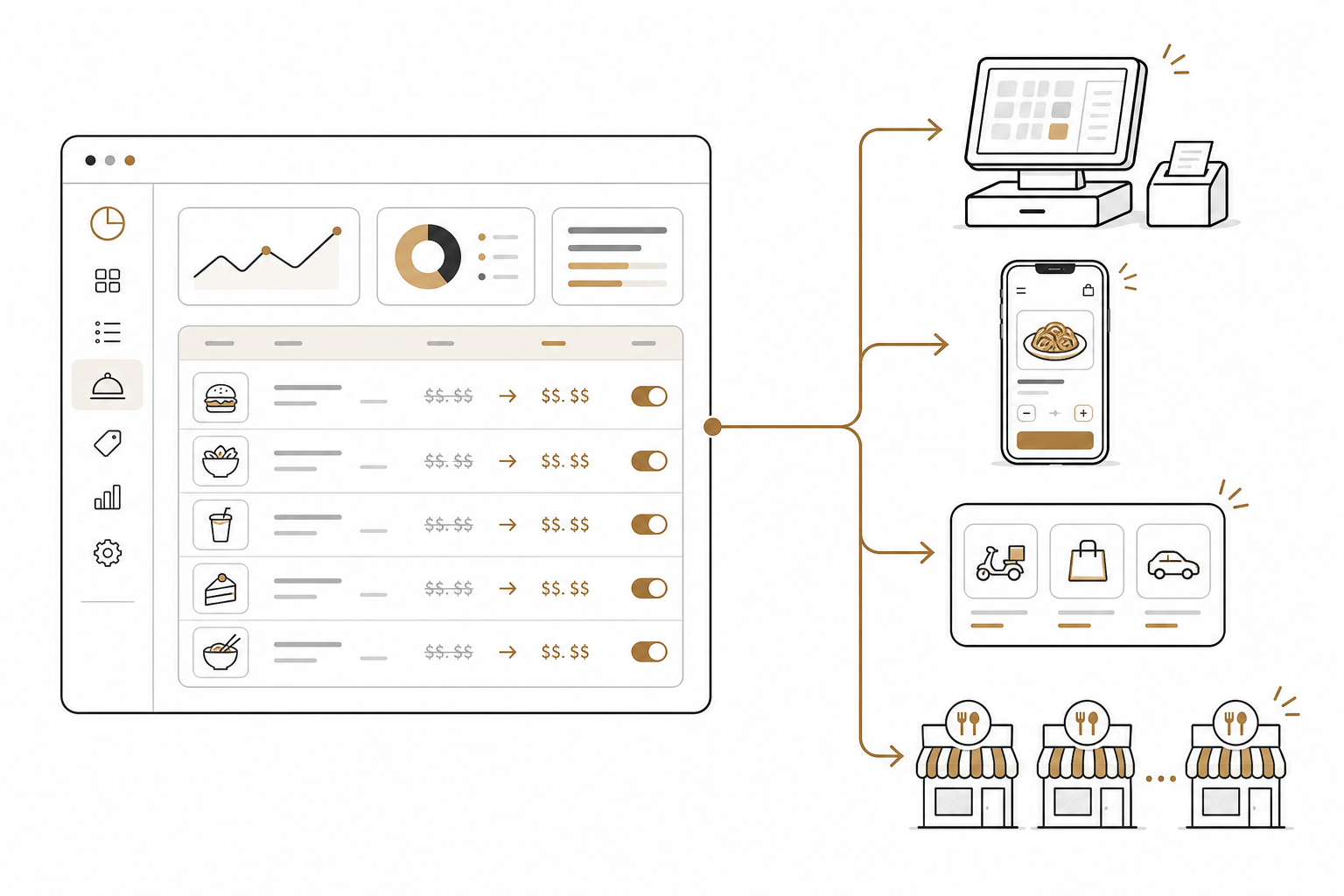
Updating menus and pricing across 15 different sites is a logistical nightmare if your managers have to log into 15 different back-office dashboards. You need centralized technology.
Using an all-in-one restaurant platform like Spindl simplifies your tech stack. It integrates order taking, delivery apps, self-service, and loyalty systems into a single hub, making multi-location management effortless.
When evaluating options in a restaurant group POS system comparison, prioritize platforms that allow corporate administrators to make bulk edits. Your corporate team should be able to update ingredient costs, adjust base menu pricing, and push those changes to in-store POS terminals, your online ordering app, and third-party delivery services like DoorDash or UberEats simultaneously.
Leverage unified data for scheduling and KPI tracking
In multi-unit operations, you must manage strictly by the numbers. To protect your margins, move away from manual tracking and leverage a restaurant operations workflow automation guide to monitor key performance indicators (KPIs) in real time.
Keep a close eye on these two vital areas:
- Labor scheduling: Instead of letting managers schedule shifts based on guesswork, use a system that connects historical POS sales data to your scheduling software. This simplifies multi-location restaurant staff scheduling by helping you forecast labor needs based on real traffic trends.
- Prime cost tracking: Keep your combined cost of goods sold (COGS) and labor costs optimized, aiming to keep them under 60% of total revenue. Use a structured restaurant KPI tracking guide to automate these data feeds so you can spot sudden food waste or overstaffing issues before they impact your weekly profitability.
Manage your POS using conversational AI
Even with a top-tier POS system, navigating deep nested dashboards to update pricing, check labor compliance, or run sales reports across multiple regions takes hours of tedious manual work.
AgenticPOS changes that. It is an MCP server that plugs directly into Spindl (or your existing POS) and exposes back-office operations to AI models. It completely redefines how AI runs your restaurant.
Instead of clicking through endless menus, you can manage your multi-unit operations by simply chatting with Claude, ChatGPT, or your internal Slack channels. You can use conversational commands to:
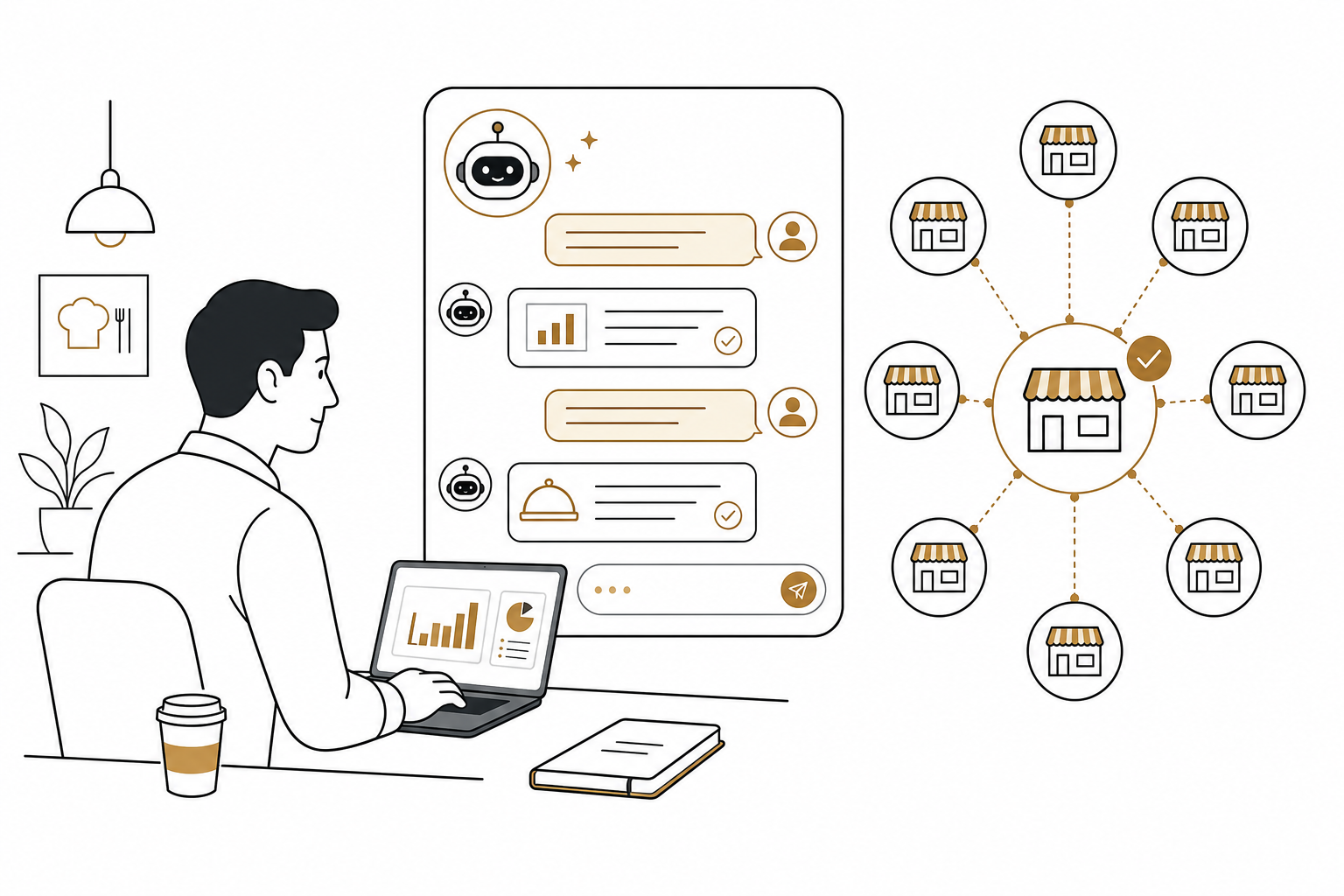
- "Pull last night's labor cost percentages for the Chicago and Dallas branches."
- "Add the new seasonal pumpkin spice shake to the menus of all California locations starting next Monday."
- "Check if any schedules for next week violate local overtime compliance rules."
By pairing a robust, modern POS platform like Spindl with conversational AI, you can manage 50 locations with the same ease and precision as managing a single storefront.
Ready to discover how conversational automation can simplify your restaurant's back office? Explore how AgenticPOS can streamline your multi-unit workflow.